
Venue details
Name, address, phone and opening hours. These make up your card in the app.
To connect your venue to Pleazy, register in the dashboard, enter your venue details and BIN, set the cashback rate and give your cashiers access. Joining is free, with no subscription fee. The Pleazy team helps at every step.
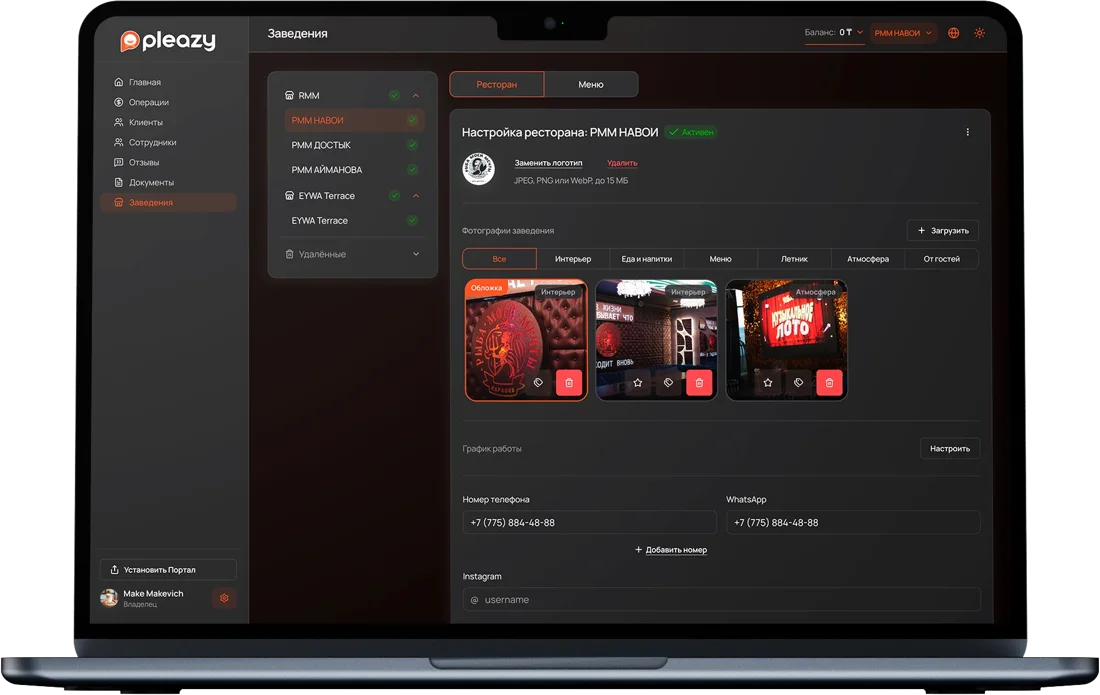
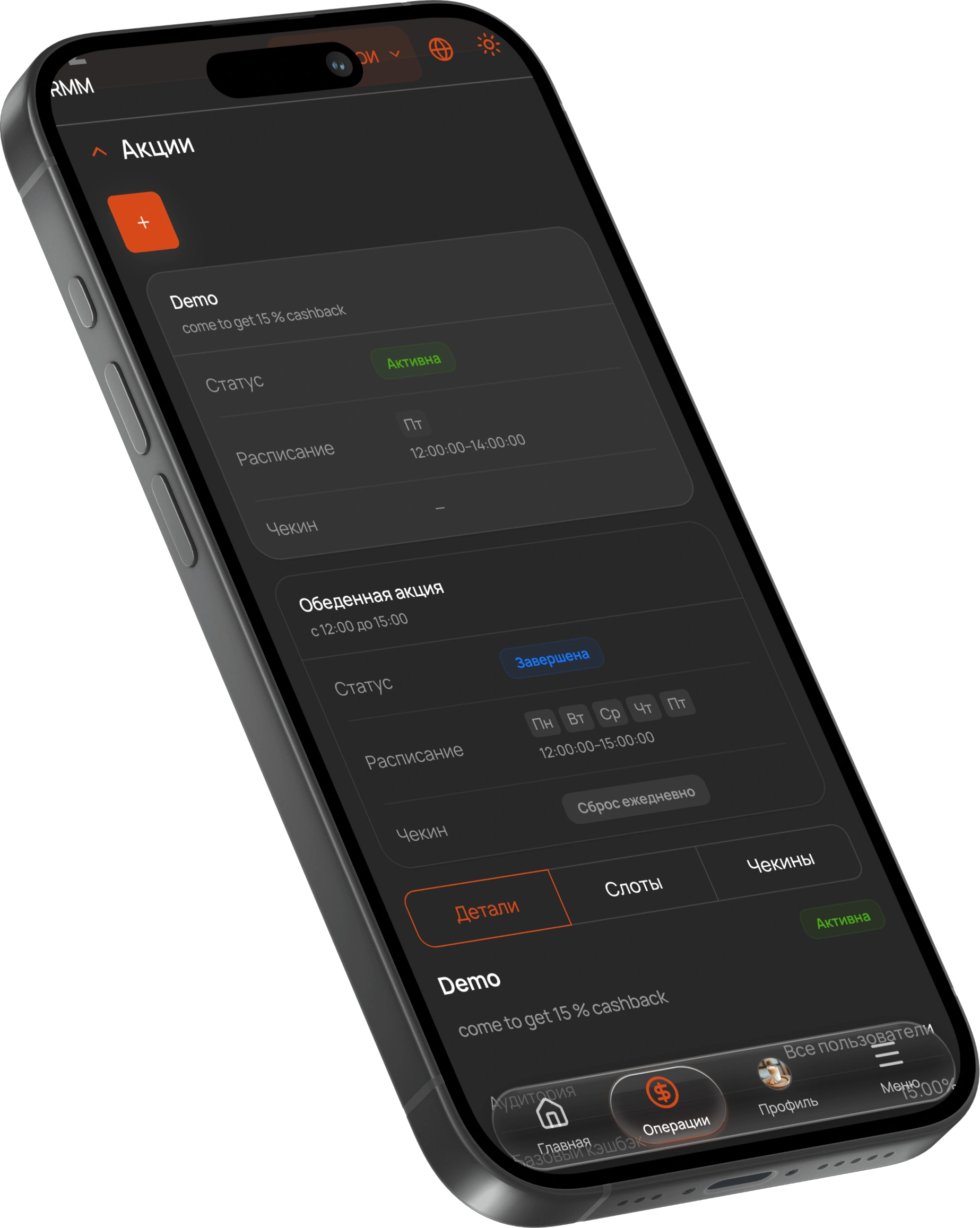
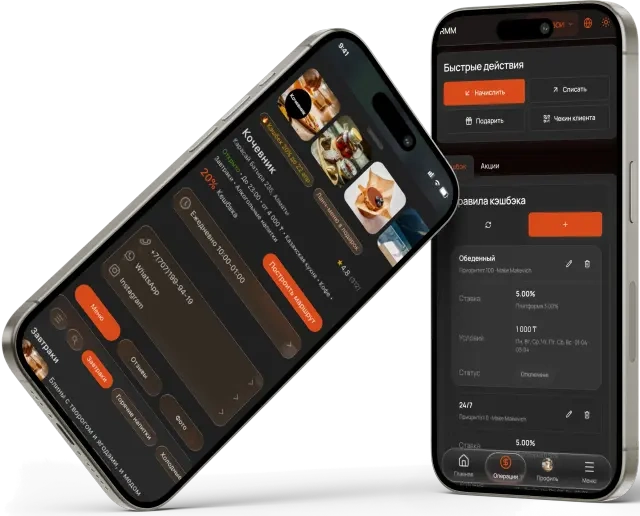
No complex integrations, cards or terminals. All you need is the venue dashboard and the app on your guests’ phones.
Open the Pleazy dashboard, fill in your restaurant or cafe details and enter your BIN. The team uses it to verify the venue.
Set the cashback rate, minimum bill and loyalty tiers. You can change the terms later whenever you need.
Cashiers and managers get their own login. The checkout gains one step: crediting cashback by QR code.
Guests find your venue in the app, pay the bill and get cashback. Operations show up in the dashboard right away.
If anything is missing, the Pleazy team will help over WhatsApp or email.
Name, address, phone and opening hours. These make up your card in the app.
Your business ID, needed to verify the venue when you register.
What rate to offer guests, the minimum bill for crediting and whether you want loyalty tiers.
The staff who need their own access to QR crediting.
Interior and dishes for your card: guests use them to decide where to go.
No subscription fee. Financial terms are set out in a contract with closing documents.
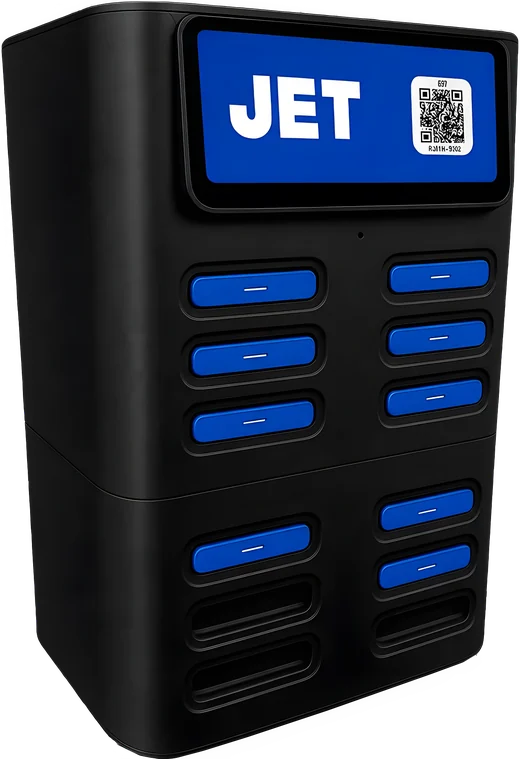
Pleazy partners with JET, a power bank rental service. Request a station through us or contact JET directly: they deliver and set it up. Your venue gets a “charging available” badge in the app, and guests with a dead phone won’t leave early.
Request a stationJoining Pleazy is free. You set the cashback percentage yourself. The financial terms are fixed in your contract with Pleazy.
The current Pleazy website states there is no subscription fee and no access fee. The rules for crediting and spending cashback are agreed when you join.
Register in the dashboard and enter your venue details and BIN (business ID). After verification, set the cashback percentage, minimum bill and loyalty tiers. The Pleazy team helps with the launch.
Yes, Pleazy works under a contract and provides closing (accounting) documents. Check the partnership terms with the team before you join.
Join the Pleazy network in Almaty.
Free to join · Signed contract